Hello Community.
I need to develop a script for transaction ME51N focused for services. Given the case when there are several service lines per purchase requisition item, the traditional recording modes Standard and Batch Input don't work as expected because there is no way to position in the correct service line within a loop.
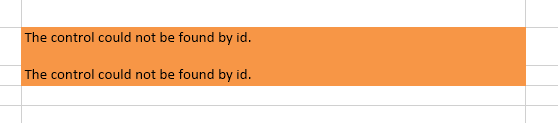
So I tried GUI Scripting mode to use the field Line Number as an index field. The recording ends successfully. After doing the field mapping and execute the script I get an error message: "
The control could not be found by id."
I'm using SAP GUI 770, scripting is activated here and at SAP side (we got other scripts developed in scripting mode working perfectly). WFM v12 is installed as well.
I would like to confirm if this is another case not supported by Winshuttle or if there a workaround to solve this issue.
Here are some screenshots:
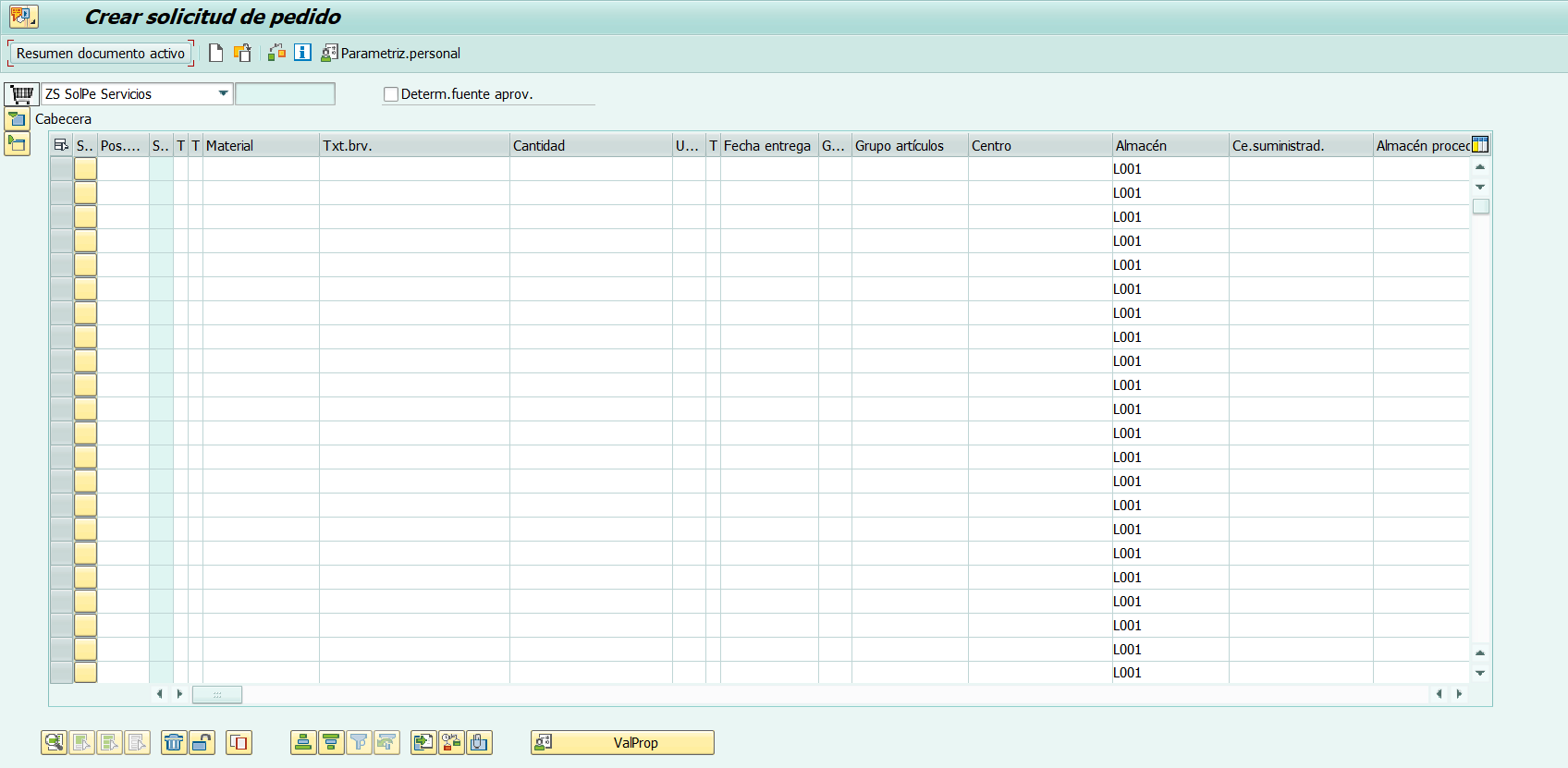
ME51N Initial Screen
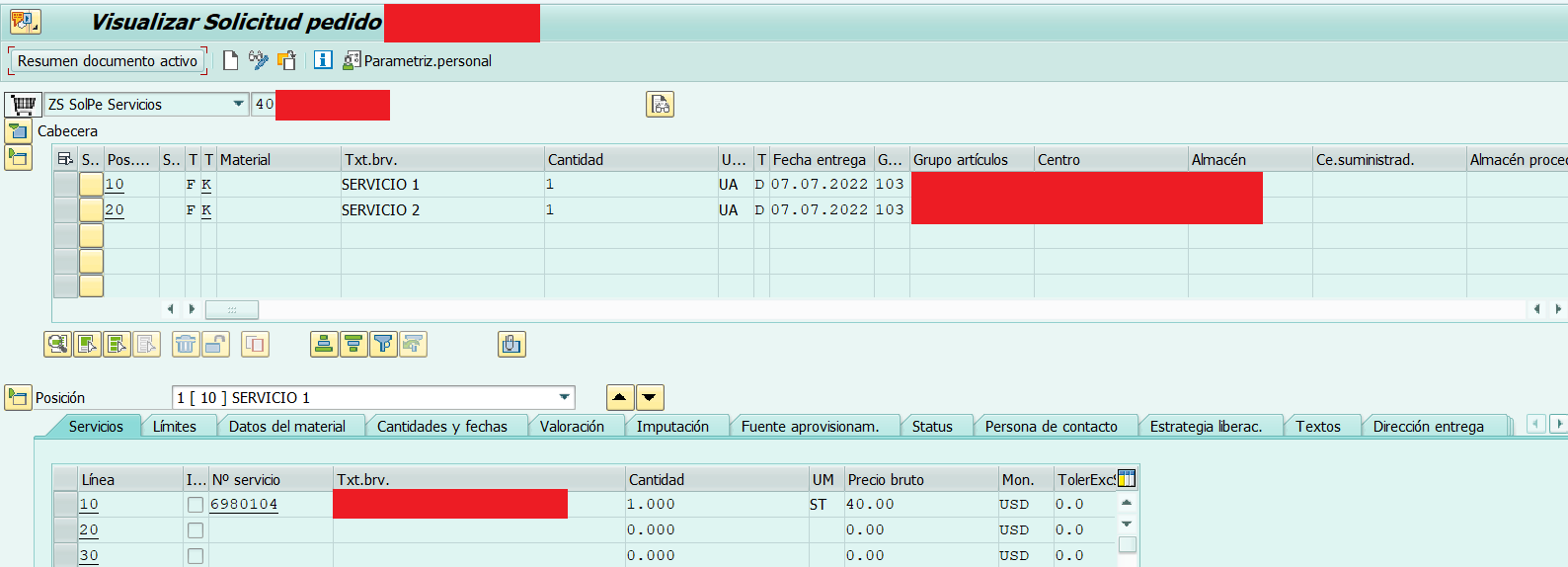
After recording the script, the purchase requisition was created successfully.
When I execute the script I get the following error
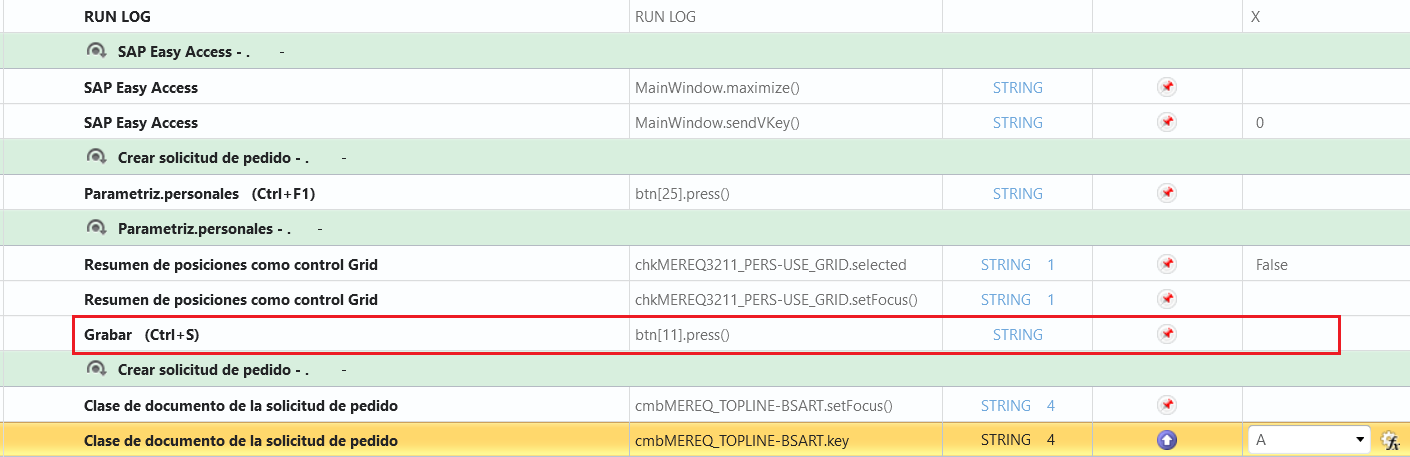
The execution does not get to map any field, it stops after this instruction.
Thanks in advance.
Best regards
------------------------------
Fernando Franco
------------------------------