Hey John
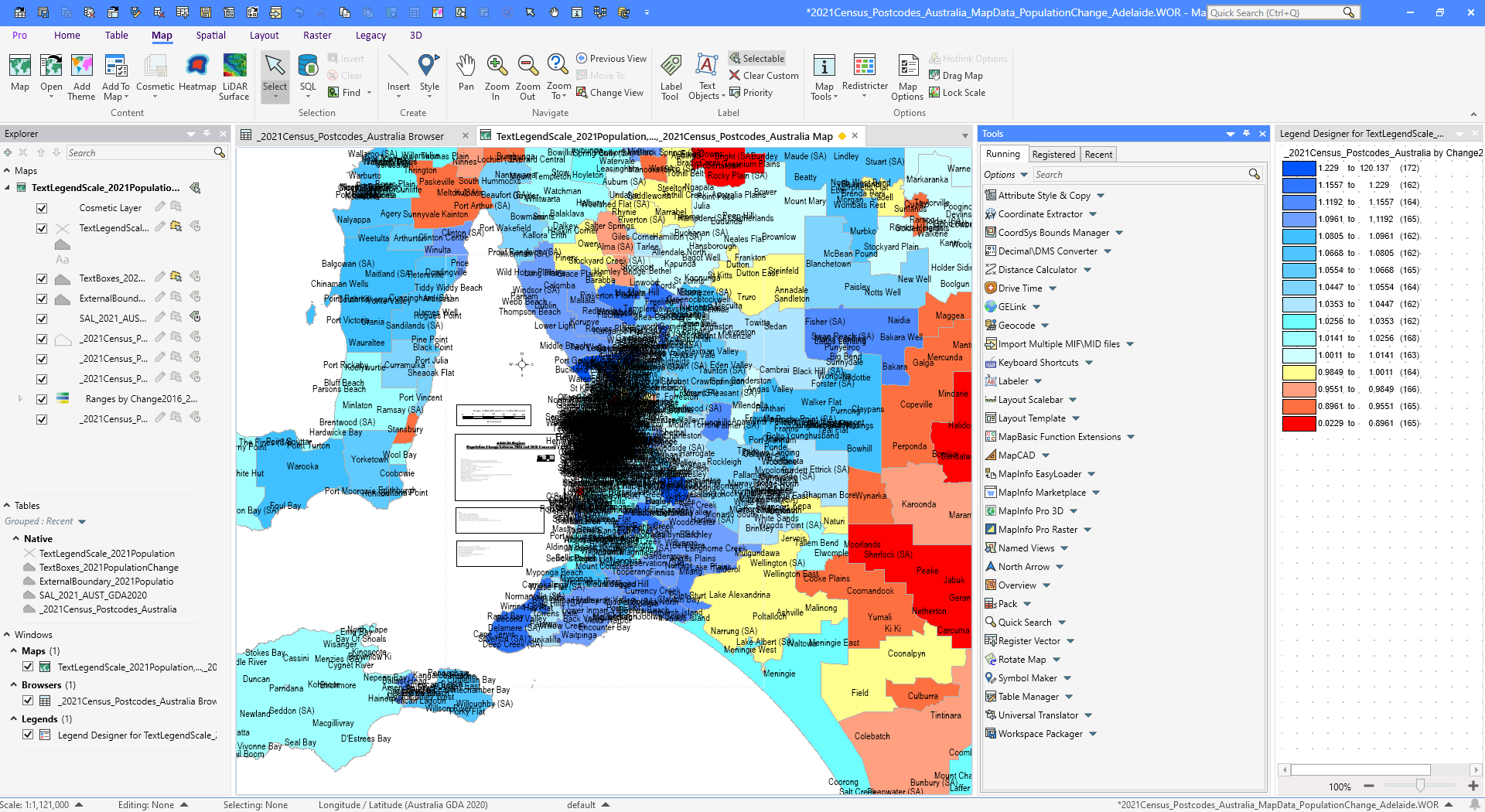
It looks to me as if you are using the map window to create what are layout elements (text boxes, scalebars, and some images)
Have you considered using the layout window to hold these elements and inside a "clean" map underneath these elements?
I have created a small example of how that could look below.
Using the layout for these elements would help you, as you don't have to move them to each city as you change the map.
But, of course, there can be good reasons for having it all in the map window.
------------------------------
Peter Horsbøll Møller
Principal Presales Consultant | Distinguished Engineer
Precisely | Trust in Data
------------------------------
Original Message:
Sent: 11-08-2025 20:04
From: John Cleverdon
Subject: Problems with moving text and boxes long distances in MapInfo
Hello Uffe,
Thanks for the clearing that up.
Because the table for the census data that I was using was based on Lat/Long (being Australia-wide), see the bottom of the screen dump below, I had missed / overlooked the fact that the tables for the text and boxes etc was on MGA instead.
Regards, John
------------------------------
John Cleverdon
Director
John Cleverdon
DROMANA VIC
------------------------------
Original Message:
Sent: 11-08-2025 03:02
From: Uffe Kousgaard
Subject: Problems with moving text and boxes long distances in MapInfo
Coordinate of your TAB files are MGA Zone 55, but a bounded version. This means coordinates are only possible within those bounds and objects can not be moved outside. Change to an un-bounded version or use LatLong for your text/box tables.
Normally the advantage of bounded tables are higher accuracy, but you probably don't need that.
------------------------------
Uffe Kousgaard
CEO
Routeware v/Uffe Kousgaard
Roskilde