Hi Carmen
I vote for Renette's approach.
I have a way to do this with
(1) SQL data connection - don't autoload
(2) create form fields from the data connection - now you have a repeating group with the fields code and description
(3) add a field in that repeating group to hold the code and group concatenated - then add a rule to the "description" field to set the new field to concatenate the code + description - don't check rule on load - it should run as each row is populated
(2) add a group and drag that repeating content into a table that gets populated and hidden (must be visible for rules to fire)
(4) view onload rule to run the query, set a flag not run it again and reload the dropdown and hide the hidden group holding the data
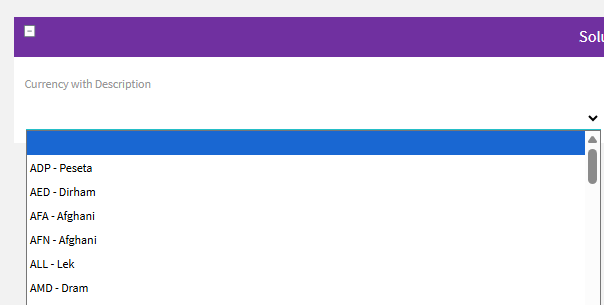
A custom view is easier and more efficient :) If you want the example, I'm happy to share it, though. :)
Best Regards,
Sigrid
------------------------------
Sigrid Kok
*Precisely Software Inc.
------------------------------