Hi Automate Community!
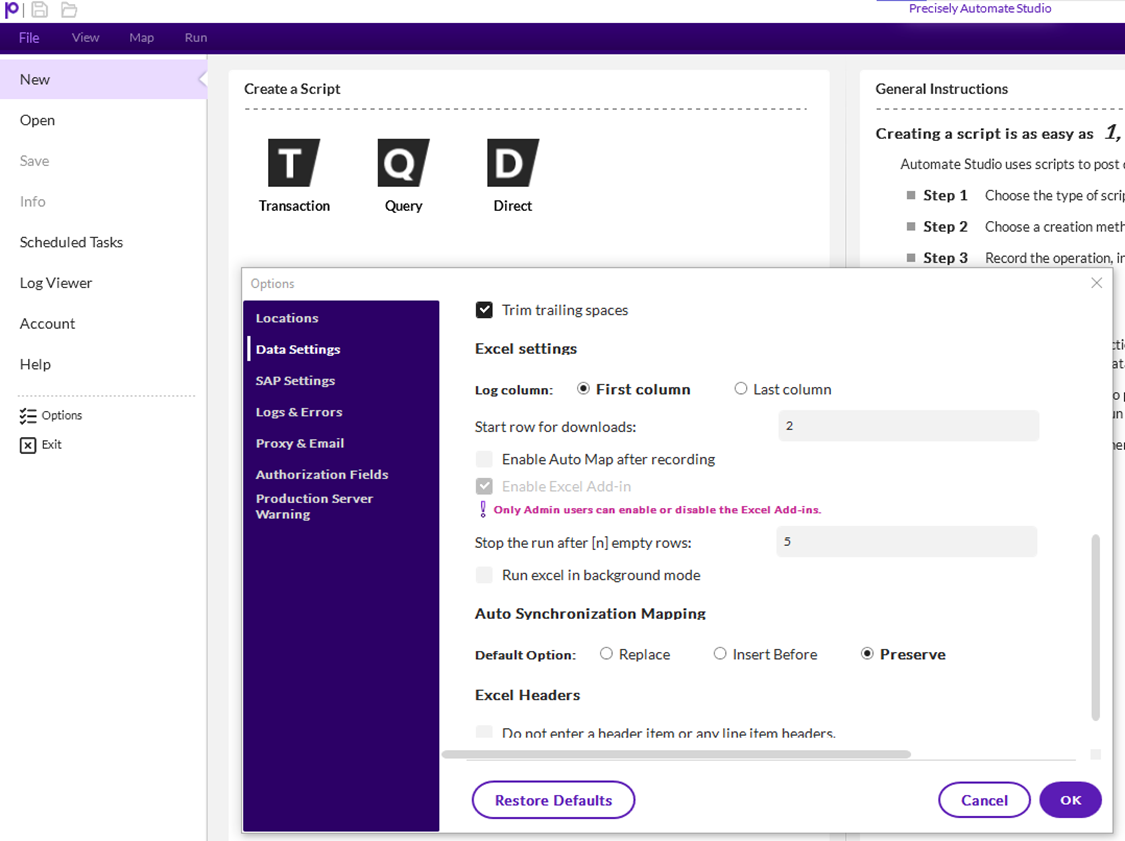
I have a quick tip to share this week. Studio has a data setting you should keep in mind when creating and using your Excel files. The script will stop running after it goes through 5 empty rows in Excel. If you have data setup to where you will have more than 5 empty rows, you can change the default setting by opening Studio, go to File, Options, click Data Settings, and scroll down until you see "Stop the run after [n] empty rows". Change the default from 5 to a number that will work for your data.
Thanks,
------------------------------
Maria Ebner
Precisely Software Inc.
------------------------------