Tip of the Week – Evolve Name templates
Evolve process can be tracked by the process solution name, which is the solution name plus the submission date/time by default. Here's an example for a solution name called sk-NameTemplates:
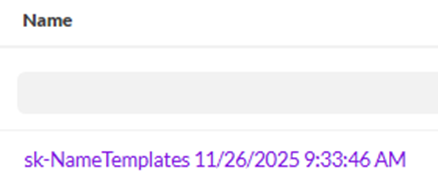
If you want to change the default name, you can leverage Name Templates. In order to use one, you need to do two steps:
1. Go to the Solutions tab and add a Name Template
To add a Solution-specific Name Template, either add it from the ribbon
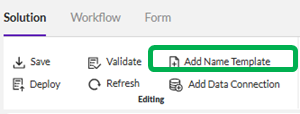
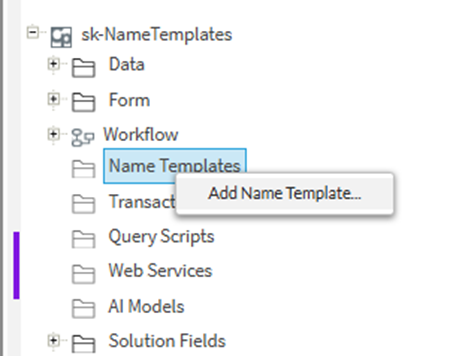
Or from the section on the right showing data, forms, workflow, data connections, etc.
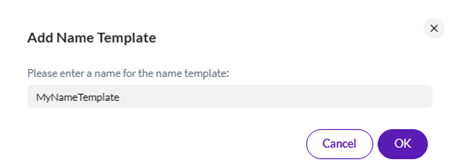
Give it a name
Setup the contents - noting the default is a 6-digit number
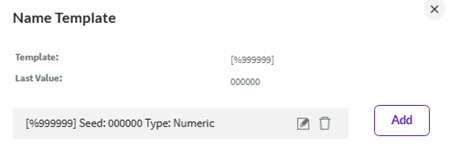
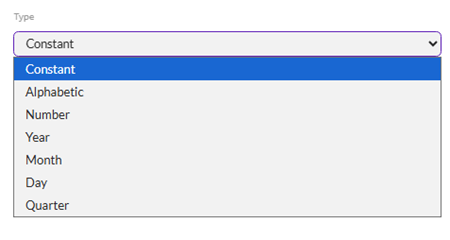
You can add other parts to it, like Constants, alphabetic, numbers or portions of a date.
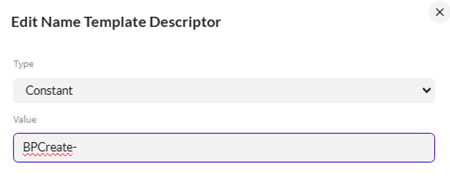
For example, you could have add a constant that describes the process
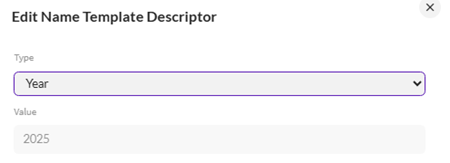
Followed by a Year
Followed by the sequential numbering. The numbering should be dependent on your anticipated volume of processes over the lifetime of the solution. Add additional 0's to increase the potential number size to handle higher volumes, like below:
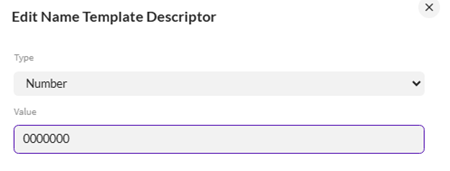
As you add portions of the name, it will add the new one to the bottom and show you want the result will be below.
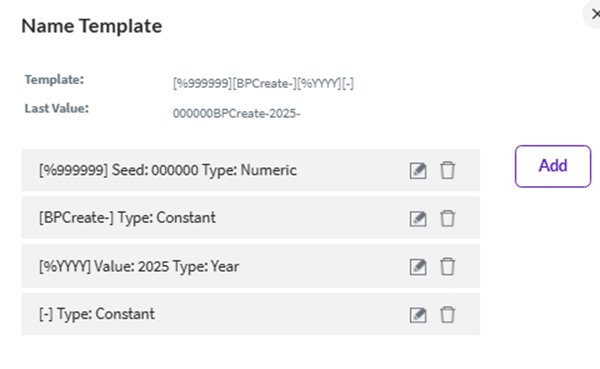
You can drag and drop the order to get the end result you wish, like below:
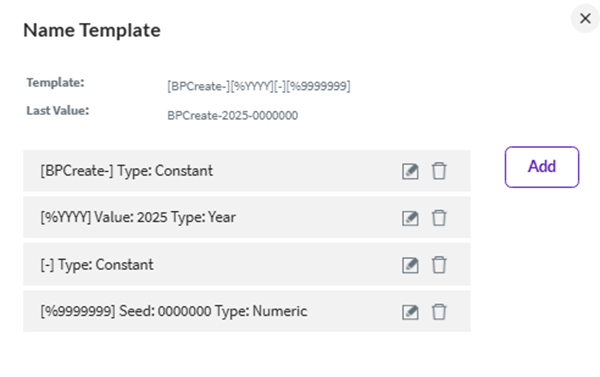
Please note that you cannot use these characters in the name template: @!*,.?^&%
If you'd like to create a template outside of the Solution for the App you are in or Globally, you can do so from the Solution Builder (aka Composer) Solution tab by clicking Name Template on the right-hand side in the Libraries section

Select Global or the App name you are in - my App is "Sigrid"
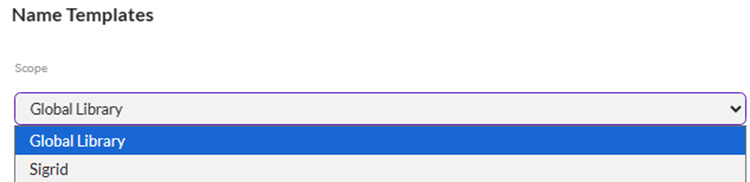
You can then Create or Import Name templates, as well as Export, Remove, see where they're used, etc.
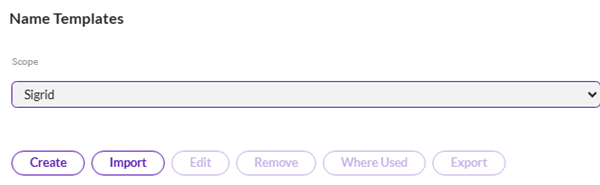
To Create a new Name Template, go through the same steps to define the contents.
Give it a name
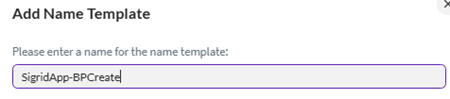
Set the contents as above
Once defined, you can click on a Name Template and use the other actions to Edit, Remove, see Where it's Used as well as Export it
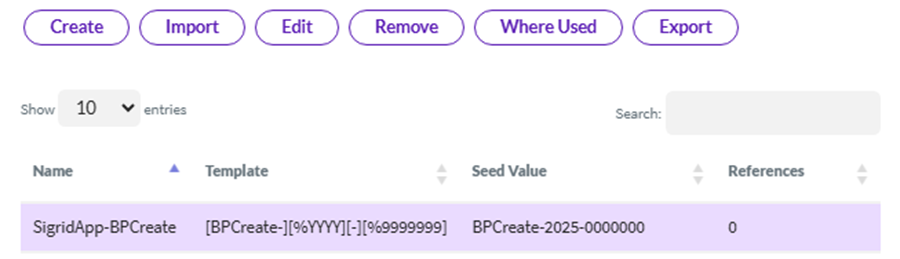
Here is a link to the documentation for Name Templates: https://help.precisely.com/r/t/1016755471/2023-12-31/Automate-Evolve/pub/Latest/en-US/Automate-Evolve-User-Guide/Name-Templates?tocId=VJG7m06jFtisFotpMPf_MA
2. Go to the Originator (submitter) form view of a process
a. Add a field to hold the process instance name aka Form Name
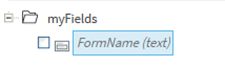
b. Add the Form Name control to the view under Advanced Elements
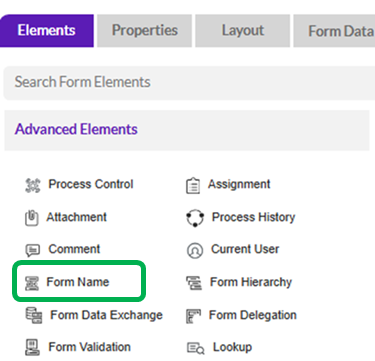
c. Set the Form Name control parameters
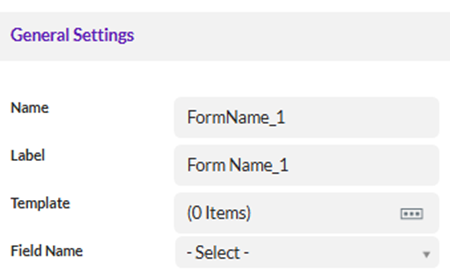
Select the Template Name
Click Add
Note that the Template could be at the Solution, App or Global level, or you can simply use a form field. My example is using a Solution Name Template
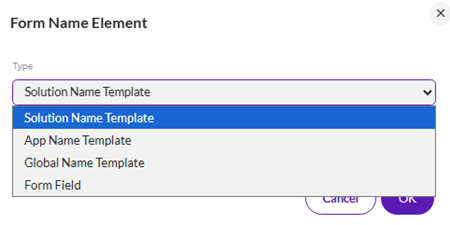 Select your Template Name
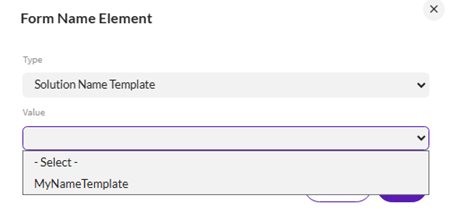
Here's an example for an App level Template Name
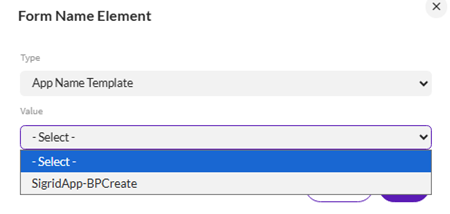
Set the Field Name
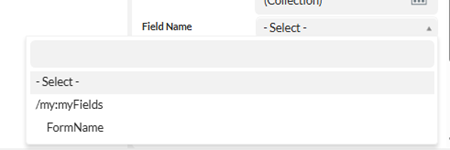
There are a number of other parameters, including when to set the form name, which defaults to Run at Start. You can find the other parameters here in the documentation:
https://help.precisely.com/r/t/1016755503/2023-12-31/Automate-Evolve/pub/Latest/en-US/Automate-Evolve-User-Guide/Form-Name-Element-Properties
Here's what the above example looks like after deploying, with the Name Templates example on top and the default name on the bottom:
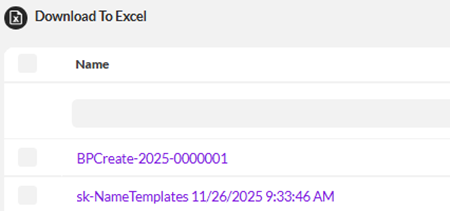
Often the Evolve process instance name, aka Form Name, is added to the header of a web form, like below, so that people interacting with the process will know what the identifier is for their request:

When you deploy your solution, you have the option to reset the Name Template number, i.e. Force Update of Name Templates. If you select this option, you will restart any numbering you have in the name template.
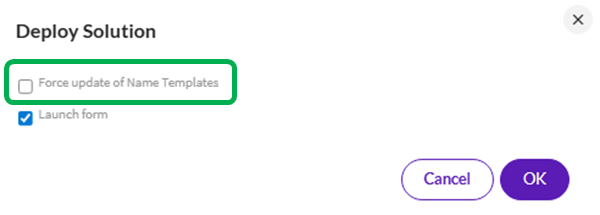
Please note if you already have an instance of that process out there, like BPCreate-2025-0000001, you will get an error when you attempt to launch the process with the same numbering. As a developer, you may need to delete the prior instances in the Document library in order to successfully restart the numbering. If you deploy in a new Evolve instance and/or App, it will automatically restart the numbering.
If any of you have other tips or tricks related to Name templates, please share here.
Happy solution building!
Sigrid
------------------------------
Sigrid Kok
*Precisely Software Inc.
------------------------------