I'm not sure if you are trying to zoom the map in the layout via the original map?
If you are, that won't work anymore. You need to use the Set Map statement on the map that is embedded in the frame in the layout.
Original Message:
Sent: 01-28-2026 05:53
From: Mayca González Pérez
Subject: Layout zoom behavior vs Map window zoom
There is no active selection. I'm not trying to zoom to a layer.
I only need the layout (map frame) to refresh/redraw when the map window zoo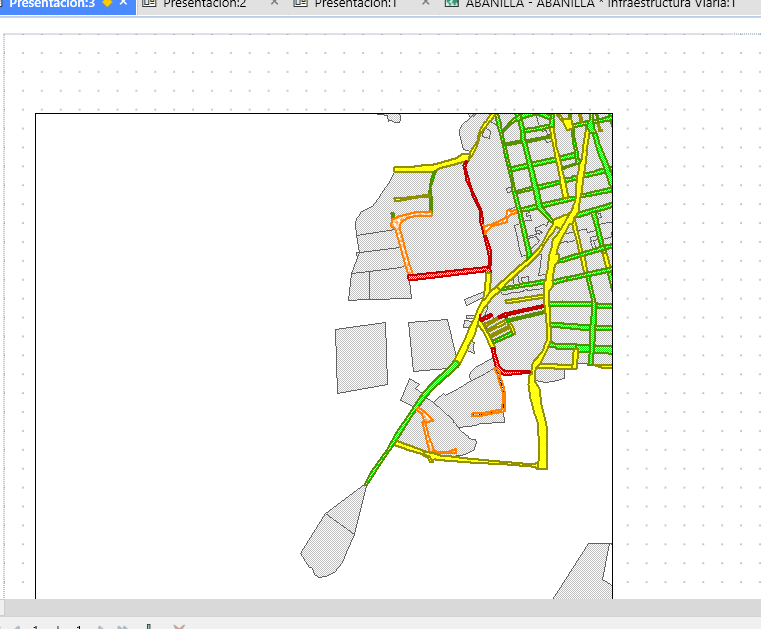
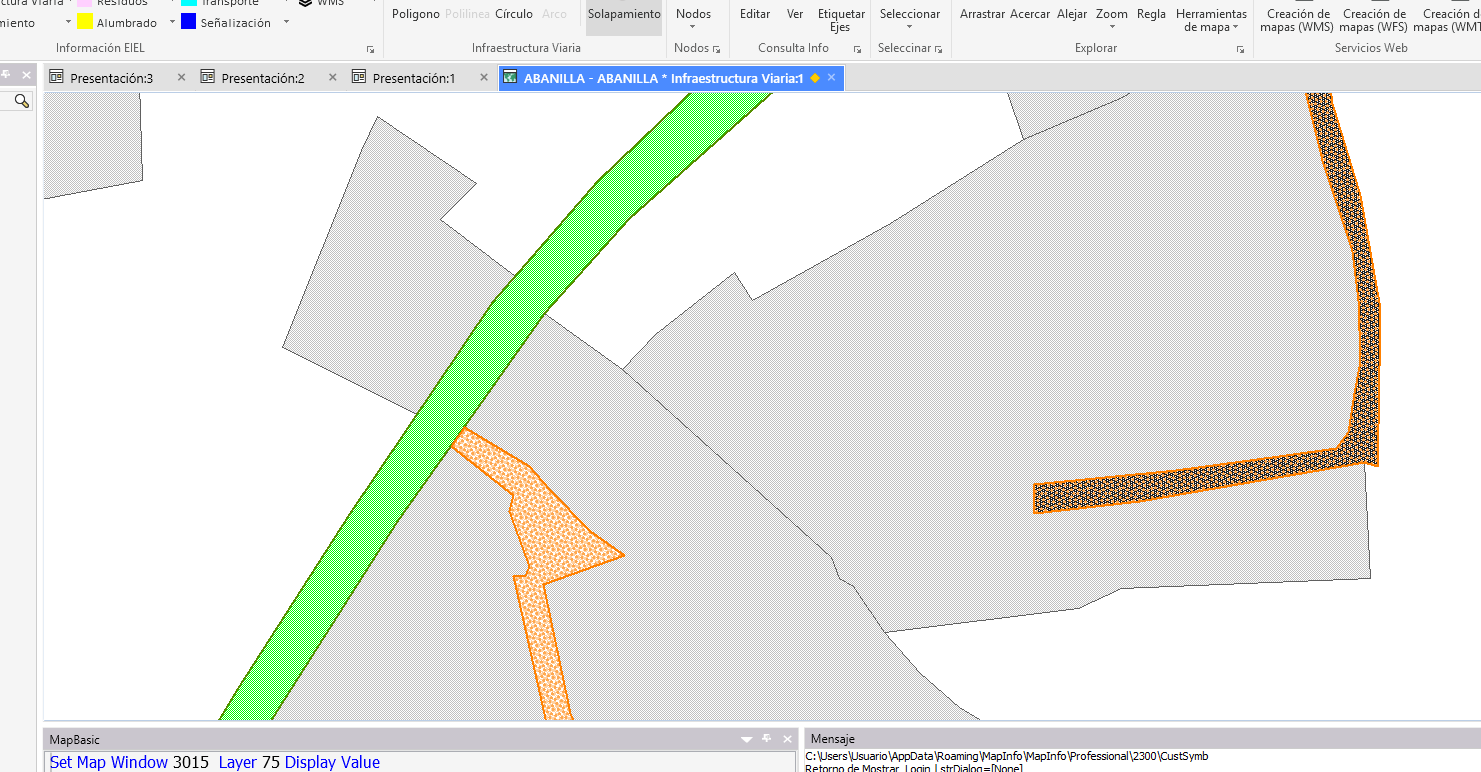 m changes.
------------------------------
Mayca González Pérez
COMUNIDAD. AUT. REG MURCIA
------------------------------
Original Message:
Sent: 01-28-2026 05:01
From: Peter Møller
Subject: Layout zoom behavior vs Map window zoom
Make sure you have referenced a layer in your map in the Set Map statement.
As an example, I just used the layer Selection, which won't work unless it's an actual layer.
Sorry for not being clear on this
------------------------------
Peter Horsbøll Møller
Principal Presales Consultant | Distinguished Engineer
Precisely | Trust in Data
Original Message:
Sent: 01-28-2026 04:51
From: Mayca González Pérez
Subject: Layout zoom behavior vs Map window zoom
I get the following error when running the script:
ERROR: (tematicos.mb:80) Invalid view layer. 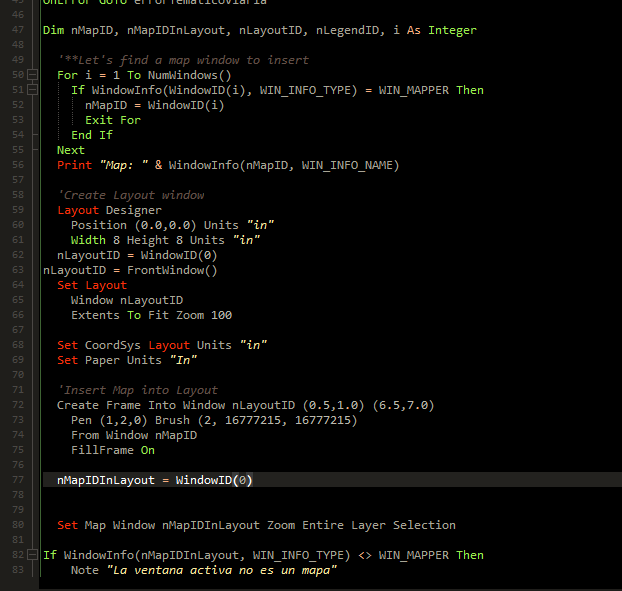
------------------------------
Mayca González Pérez
COMUNIDAD. AUT. REG MURCIA
Original Message:
Sent: 01-28-2026 03:30
From: Peter Møller
Subject: Layout zoom behavior vs Map window zoom
Ah, the problem lies in this lne:
nMapIDInLayout = FrontWindow()
The map window is not the current active window, so don't use this to get to the ID of the map, but the ID of the layout window. The ID of the map has already been read with the previous line:
nMapIDInLayout = WindowID(0)
This line is also obsolete, as it's just another way to do what was done in the line before:
nLayoutID = FrontWindow()
------------------------------
Peter Horsbøll Møller
Principal Presales Consultant | Distinguished Engineer
Precisely | Trust in Data
Original Message:
Sent: 01-27-2026 12:06
From: Mayca González Pérez
Subject: Layout zoom behavior vs Map window zoom
Dim nMapID, nMapIDInLayout, nLayoutID, nLegendID, i As Integer'**Let's find a map window to insertFor i = 1 To NumWindows() If WindowInfo(WindowID(i), WIN_INFO_TYPE) = WIN_MAPPER Then nMapID = WindowID(i) Exit For End IfNextPrint "Map: " & WindowInfo(nMapID, WIN_INFO_NAME)'Create Layout windowLayout Designer Position (0.0,0.0) Units "in" Width 8 Height 8 Units "in"nLayoutID = WindowID(0)nLayoutID = FrontWindow()Set Layout Window nLayoutID Extents To Fit Zoom 100Set CoordSys Layout Units "in"Set Paper Units "In"'Insert Map into LayoutCreate Frame Into Window nLayoutID (0.5,1.0) (6.5,7.0) Pen (1,2,0) Brush (2, 16777215, 16777215) From Window nMapID FillFrame OnnMapIDInLayout = WindowID(0)nMapIDInLayout = FrontWindow()Set Map Window nMapIDInLayout Zoom Entire Layer SelectionIf WindowInfo(nMapIDInLayout, WIN_INFO_TYPE) <> WIN_MAPPER Then Note "La ventana activa no es un mapa" Exit SubEnd If
------------------------------
Mayca González Pérez
COMUNIDAD. AUT. REG MURCIA
Original Message:
Sent: 01-27-2026 09:58
From: Peter Møller
Subject: Layout zoom behavior vs Map window zoom
Hey
Can you share your code or just that part of your code where you create your layout and insert the map window?
Did you get the ID of the new Map in the frame?
Above, I used this statement to get to the ID of the most recently created map window:
nMapIDInLayout = WindowID(0)
Peter
------------------------------
Peter Horsbøll Møller
Principal Presales Consultant | Distinguished Engineer
Precisely | Trust in Data
Original Message:
Sent: 01-27-2026 07:37
From: Mayca González Pérez
Subject: Layout zoom behavior vs Map window zoom
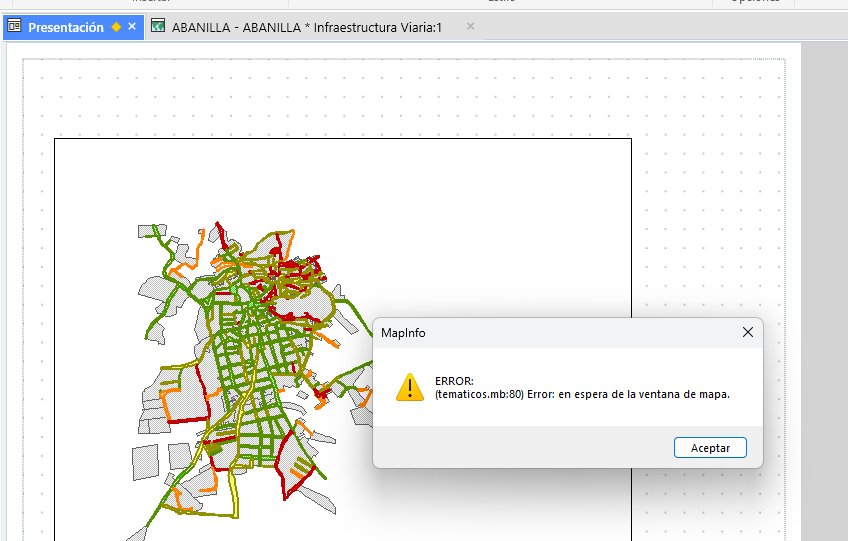
When running a MapBasic script that inserts a Map into a Layout using Layout Designer, I receive the following error:
ERROR: (tematicos.mb:80) Error: expecting a Map window.
The error occurs when executing a Set Map Window command after creating a map frame inside the Layout.
It seems that the active window at that moment is not recognized as a Map window, even though the frame was created using From Window <mapID>.
------------------------------
Mayca González Pérez
COMUNIDAD. AUT. REG MURCIA
Original Message:
Sent: 01-27-2026 04:48
From: Peter Møller
Subject: Layout zoom behavior vs Map window zoom
Hey Mayca
Yes, back in v15.2 (or was it 12.5.2?), we implemented a new Layout Designer window that changes how you work with maps and browsers in the layout.
Instead of basically showing a still image of the map and the browser, we made these behave as active windows within the layout. This allows you to double-click the frame with the map, then zoom, pan, and edit spatial features directly in the embedded map window.
This means that you need to get to the window ID of your map, and then you can change anything for that map, just like any map.
Include "MapBasic.def"Dim nMapID, nMapIDInLayout, nLayoutID, nLegendID, i As Integer '**Let's find a map window to insert For i = 1 To NumWindows() If WindowInfo(WindowID(i), WIN_INFO_TYPE) = WIN_MAPPER Then nMapID = WindowID(i) Exit For End If Next Print "Map: " & WindowInfo(nMapID, WIN_INFO_NAME) 'Create Layout window Layout Designer Position (0.0,0.0) Units "in" Width 8 Height 8 Units "in" nLayoutID = WindowID(0) Set Layout Window nLayoutID Extents To Fit Zoom 100 Set CoordSys Layout Units "in" Set Paper Units "In" 'Insert Map into Layout Create Frame Into Window nLayoutID (0.5,1.0) (6.5,7.0) Pen (1,2,0) Brush (2, 16777215, 16777215) From Window nMapID FillFrame On nMapIDInLayout = WindowID(0) Set Map Window nMapIDInLayout Zoom Entire Layer Selection
------------------------------
Peter Horsbøll Møller
Principal Presales Consultant | Distinguished Engineer
Precisely | Trust in Data