Hi Andreas
There certainly is a Python add-in that can help you out.
From the Marketplace, install the add-in
Python Quick Start.
Once it has been download, installed and loaded, enter "geojson" in the search field
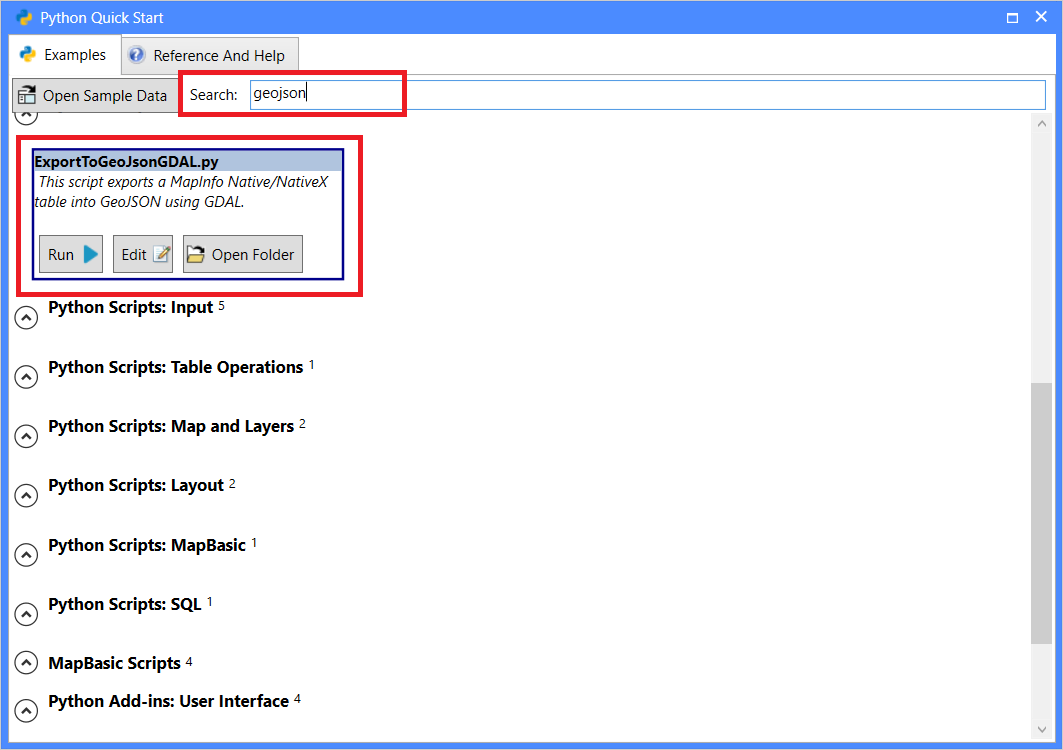
Now click on the Run button for the ExportToGeoJsonGDAL.py sample.
This will prompt you to select a table to export, and then ask you where to save the GeoJson file.
This is still a sample but we are working on improving this support for the upcoming MapInfo Pro v2021 later this year.
------------------------------
Peter Horsbøll Møller
Principal Presales Consultant | Distinguished Engineer
Precisely | Trust in Data
------------------------------