Automate

 View Only
  • 1.  Editing Schedule Tasks - Error

    Posted 03-08-2022 15:02
    I am getting this error of "Task Creation warning" when trying to edit Scheduled Tasks.  The only way I can make a change right now is by deleting and re-creating the entire Schedule.   Can someone provide me with a solution or information on what I'm doing wrong?


    Thank you,
    Ben Price

    ------------------------------
    Benjamin Price | Maintenance and Engineering Specialist
    Beam Suntory | 5022152476
    ------------------------------


  • 2.  RE: Editing Schedule Tasks - Error

    Posted 03-08-2022 19:24
    Hi Ben,

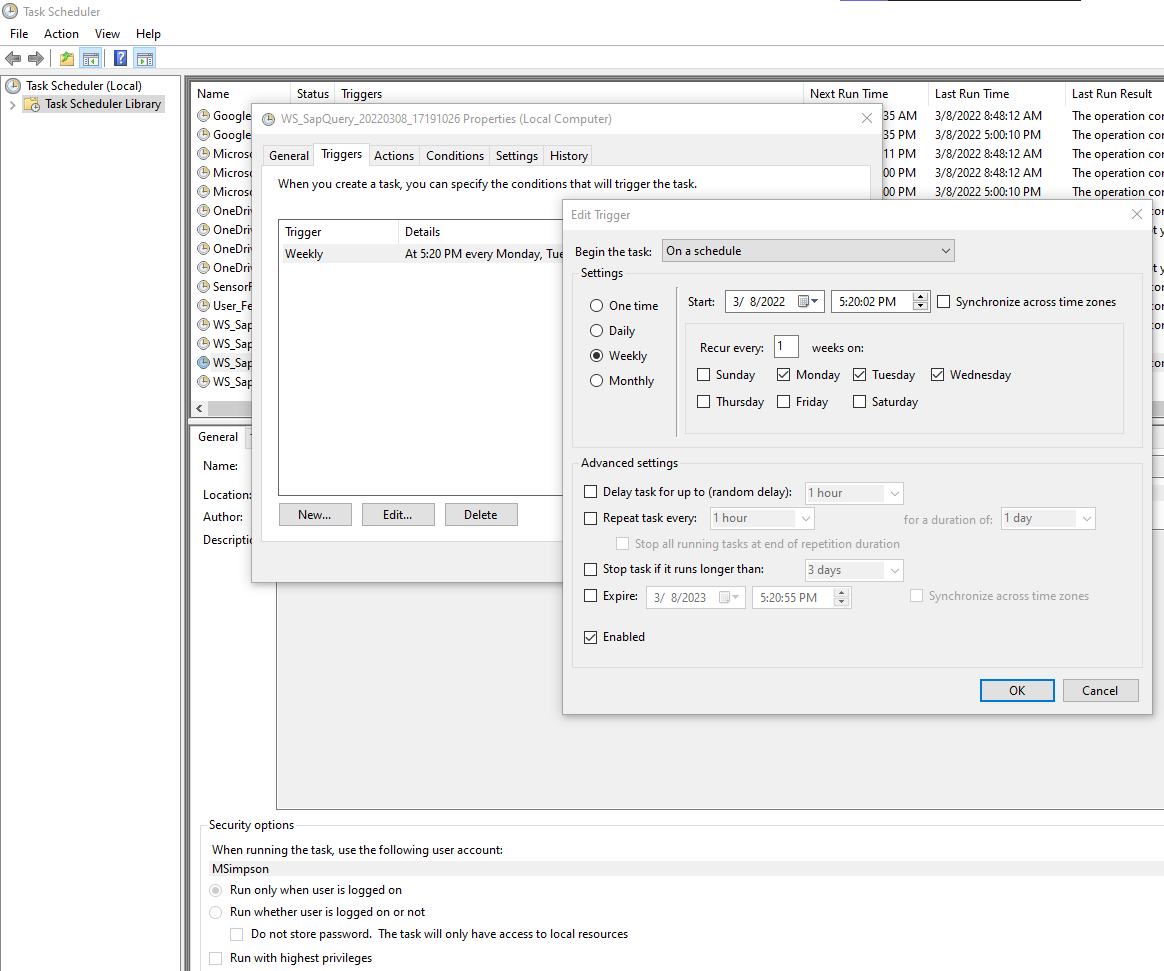
    I'm not sure if this will work, but try editing the job in the Windows Task Scheduler. Let me know if you're able to edit it there. 


    Thanks,

    ------------------------------
    Maria Simpson | Senior Solutions Engineer
    Winshuttle North America | 4255276647
    ------------------------------


  • 3.  RE: Editing Schedule Tasks - Error

    Posted 03-09-2022 08:20
    Hi Maria,

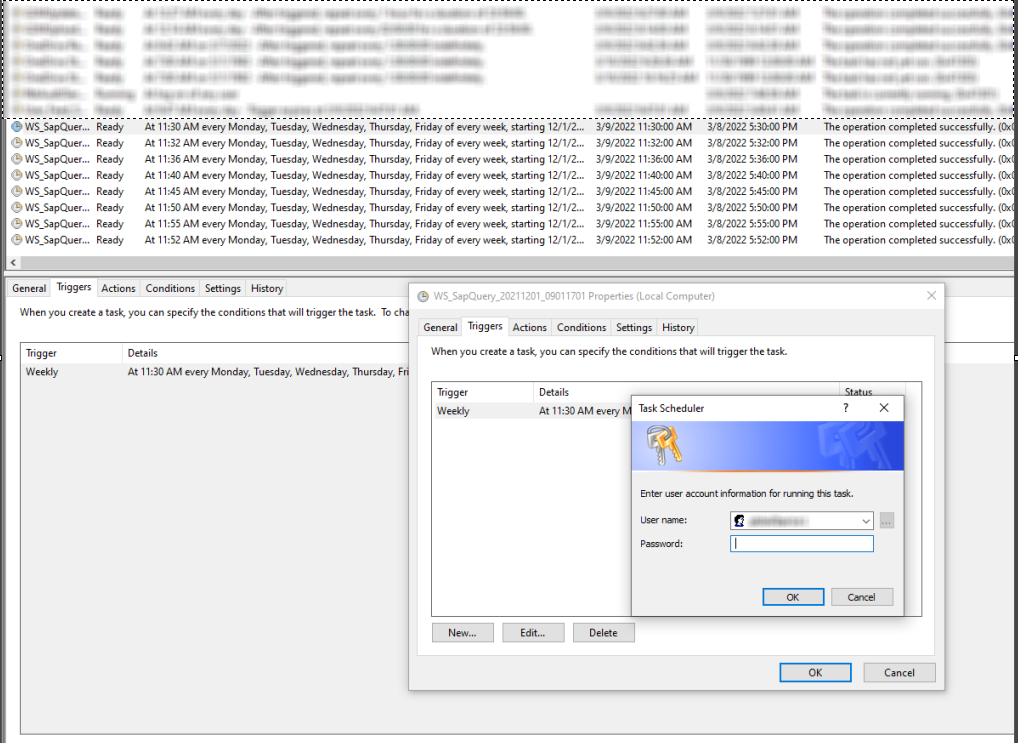
    I was able to accomplish the Edit in Windows Task Scheduler, but it does prompt for credentials when finishing.  When i use just my machine username it wouldn't allow the edit, I had to include our server domain and username (Domain\Username).  I am wondering if this is the root of the issue somehow and winshuttle isn't using the correct credentials or can't get around this step.  Either way, this helps to allow me to edit them, so thank you for the help!


    Thanks,

    ------------------------------
    Benjamin Price | Maintenance and Engineering Specialist
    Beam Suntory | 5022152476
    ------------------------------


  • 4.  RE: Editing Schedule Tasks - Error

    Posted 03-09-2022 09:37
    Hi Ben,

    I'm glad the Windows Task Scheduler worked! I agree that the issue within Studio could be because of credentials. 

    Thanks,

    ------------------------------
    Maria Simpson | Senior Solutions Engineer
    Winshuttle North America | 4255276647
    ------------------------------