Hi Scott
Which comment are you trying to capture?
Typically emails will come with the history at the end, and it will show the comments at each step
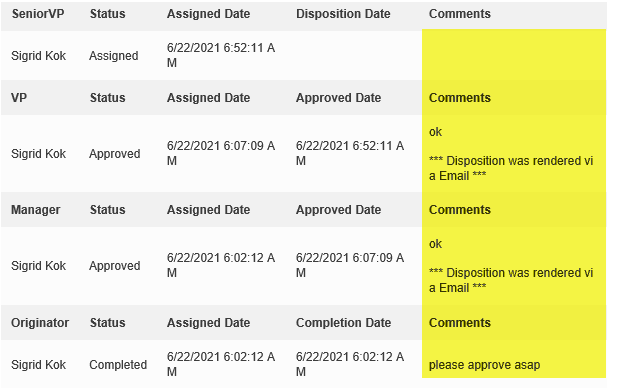
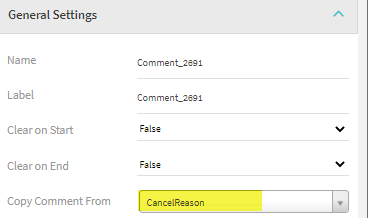
Another approach would be to add you own comment field to the form, promote it, so that you can add it to the email template as a field. If you want that comment to show up in the history like above, use the comment control to specify which field holds the comments, like:
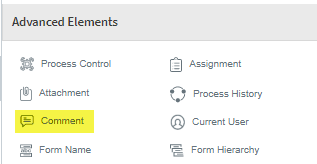
then specify the field with the comment
Hope that gives you some ideas,
Sigrid
------------------------------
Sigrid Kok
PSE | Winshuttle NA
------------------------------
Original Message:
Sent: 06-28-2021 15:49
From: Scott Fouss
Subject: Evolve E-Mail Template Comments
Hello Everyone,
I'm trying to pull in the comments entered into Process Control element into the default take assigned email. I've tried a handful of fields but not had any luck. Any insight would be greatly appreciated.
Tried formats
Instructions:
[Comment]
Reviewer Comments - "[Comments]"
[$Process.Comment]
[$Activity.Comment]
[$ProcessDefinition.Comment]
[$Process.Comments]
[$Activity.Comments]
[$ProcessDefinition.Comments]
[$ProcessControl.Comment]
[$ProcessControl.Comments]
------------------------------
Scott Fouss
Associated Shared Services Analyst | Leprino Foods
------------------------------